
Gaming accessories for customization and aesthetics
For many gamers, building the perfect gaming setup isn’t just about performance—it’s also about personalization. Your gaming rig should reflect your style and personality, and what better way to do that than with accessories designed for customization and aesthetics? From RGB lighting to custom skins, there are countless ways to elevate the look of your gaming space while enhancing the experience.
In this guide, we’ll explore the gaming accessories that can add some flair to your setup, improve its visual appeal, and make your gaming space truly your own. For more on how other gaming accessories improve comfort and performance, don’t forget to check out the main guide on gaming accessories.
1. The power of RGB lighting
One of the most popular ways to customize a gaming setup is with RGB lighting. RGB lighting lets you create a dynamic, colorful atmosphere that enhances your gaming experience and sets the mood for intense gaming sessions. Whether you’re playing solo or streaming to an audience, RGB lighting can dramatically transform the vibe of your setup.
RGB light strips
RGB light strips are a simple yet effective way to add color and ambiance to your gaming space. You can place them around your desk, behind your monitor, or under your furniture to create a colorful glow. These strips often come with remote controls or smartphone apps that allow you to adjust the brightness, color, and effects to match your mood or the game you’re playing.
- What to look for: Make sure the strips are flexible enough to fit your setup, and consider getting strips with smart features like syncing with your game or music.
RGB keyboards and mice
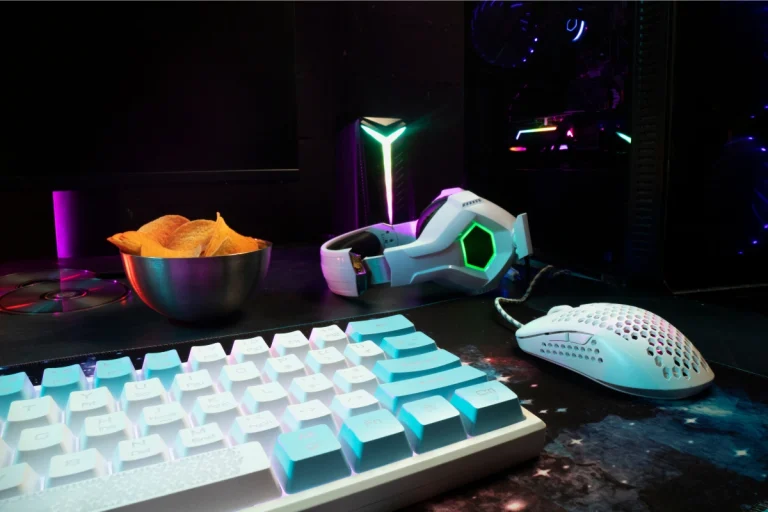
Many gaming keyboards and mice now come with built-in RGB lighting, allowing you to customize the colors and effects on a per-key or per-button basis. These devices often have preset lighting modes or allow you to create your own profiles, letting you match your gear with the rest of your setup.
- What to look for: When choosing RGB peripherals, consider the software that controls the lighting. Some brands offer more extensive customization options, such as syncing lighting effects with in-game events or music.
RGB fans and cases
To complete your gaming setup’s aesthetic, consider adding RGB cooling fans or an RGB case. These components not only help with cooling but also add a visually stunning effect with lights that glow through transparent panels or mesh sections of your PC case.
- What to look for: Ensure your case has good airflow to maintain cooling efficiency. Look for fans that are both functional and visually striking, with colors and patterns that fit your overall theme.
2. Custom skins and decals
Another popular way to personalize your setup is by adding custom skins or decals to your gaming equipment. Whether it’s your console, PC, monitor, or keyboard, skins and decals can completely change the look of your gear and give it a unique, personalized touch.
Custom console skins
For console gamers, custom skins are a great way to add a personal touch to your system. Many companies offer skins for PlayStation, Xbox, and Nintendo Switch, allowing you to choose from a wide variety of designs, from sleek minimalist patterns to more elaborate, themed options based on your favorite games.
- What to look for: Ensure the skin is made from high-quality vinyl that won’t peel off easily and doesn’t obstruct the console’s ports or buttons.
Keyboard and mouse skins
If you want to give your keyboard and mouse a fresh new look, you can get custom skins or wraps for these accessories. Some options include rubberized skins, vinyl wraps, or textured coverings that enhance both the look and feel of the device.
- What to look for: Choose materials that provide good grip and comfort, especially if you’re using a mechanical keyboard. Some skins offer additional features like extra padding or texture for better control.
Custom stickers and decals
Stickers and decals are a simple yet effective way to make your gaming setup stand out. You can use them to decorate your monitor, PC case, or even your gaming chair. These stickers come in a variety of themes, from gaming logos and characters to abstract designs, so you can find something that matches your personal style.
- What to look for: Look for decals made from high-quality vinyl that are easy to remove without leaving residue behind.
3. Gaming furniture and desk accessories
Beyond RGB lighting and custom skins, you can further enhance your gaming space with stylish and functional furniture. Gaming desks, chairs, and other accessories can create a setup that looks great and helps you stay comfortable during long sessions.
Gaming desks
A gaming desk is more than just a place to put your monitor—it’s a hub for your entire setup. Gaming desks are designed with features that help optimize your gaming experience, such as cable management systems, plenty of space for your gear, and ergonomic shapes that keep you comfortable during extended sessions.
- What to look for: Look for desks with adjustable heights, a spacious surface, and a design that accommodates your monitor, keyboard, mouse, and other gear. Some desks even feature RGB lighting, cable management, and built-in stands for extra functionality.
Gaming chairs
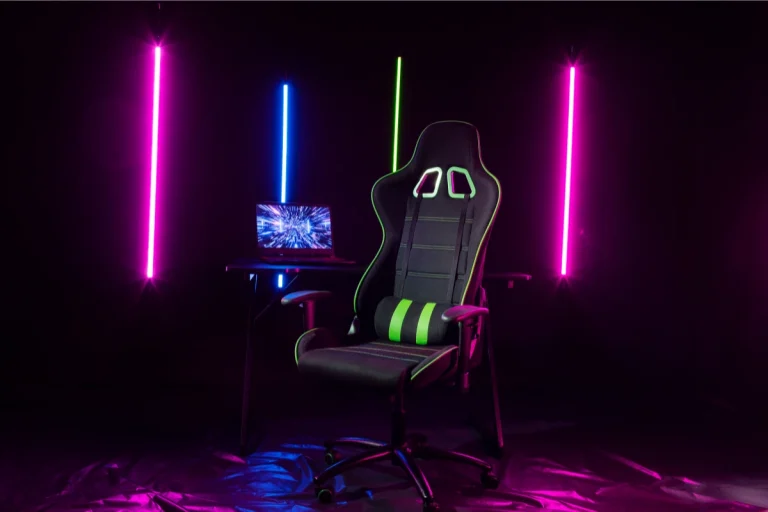
As we discussed in previous guides, a gaming chair is essential for comfort, but it can also add to the aesthetic of your gaming setup. Choose a chair with bold colors or sleek designs that complement the overall look of your space.
- What to look for: Beyond style, ensure that your chair offers ergonomic support to prevent discomfort. Many gaming chairs come with customizable features such as adjustable armrests, lumbar support, and headrests.
Monitor stands
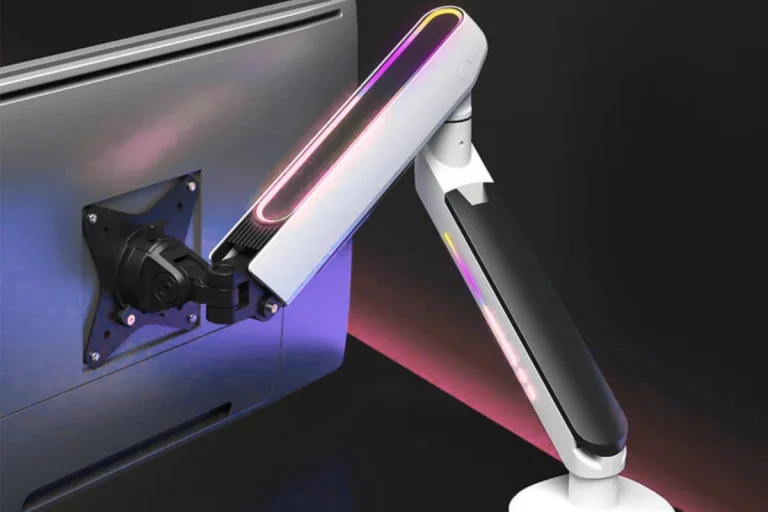
A monitor stand is a great way to free up space on your desk and achieve a more organized and aesthetic setup. Many stands also feature cable management solutions, allowing you to keep wires out of sight and neatly organized. You can also find adjustable stands that allow you to raise or tilt your monitor for better ergonomics.
- What to look for: Look for sturdy stands made of metal or wood that can support the weight of your monitor. Some models include additional features like built-in charging ports or storage space for gaming accessories.
4. Wall art and posters
To complete your gaming room’s atmosphere, consider adding wall art or posters that reflect your personal gaming interests. Whether it’s iconic gaming art, posters of your favorite games, or even 3D art installations, wall décor can tie the whole room together and make it feel more like your personal gaming haven.
Gaming posters
Posters featuring your favorite games, characters, or gaming icons are a classic choice for decorating your gaming room. You can find posters for virtually every game genre, from first-person shooters to RPGs.
- What to look for: Choose high-quality prints that are properly framed to avoid curling edges. Consider mixing and matching posters for a more dynamic and personalized display.
3D Wall art
For a more immersive gaming experience, consider adding 3D wall art or even LED-lit gaming-themed decorations. These can range from 3D models of game characters to light-up signs that feature your favorite game logos or quotes.
- What to look for: Ensure that the 3D art or signage is safe to install and doesn’t obstruct your gaming space. Some LED art comes with remote controls for changing colors or brightness levels.
5. Final thoughts on customization and aesthetics
Your gaming setup should be more than just a place to play games—it should be a reflection of your personality, creativity, and style. By adding accessories for customization and aesthetics, such as RGB lighting, custom skins, stylish furniture, and wall art, you can transform your gaming space into a personalized, immersive environment that enhances your gaming experience.
If you’re ready to take your setup to the next level and learn more about optimizing your gaming rig with the right accessories, be sure to check out the next guide on gaming accessories and the best ways to optimize performance.