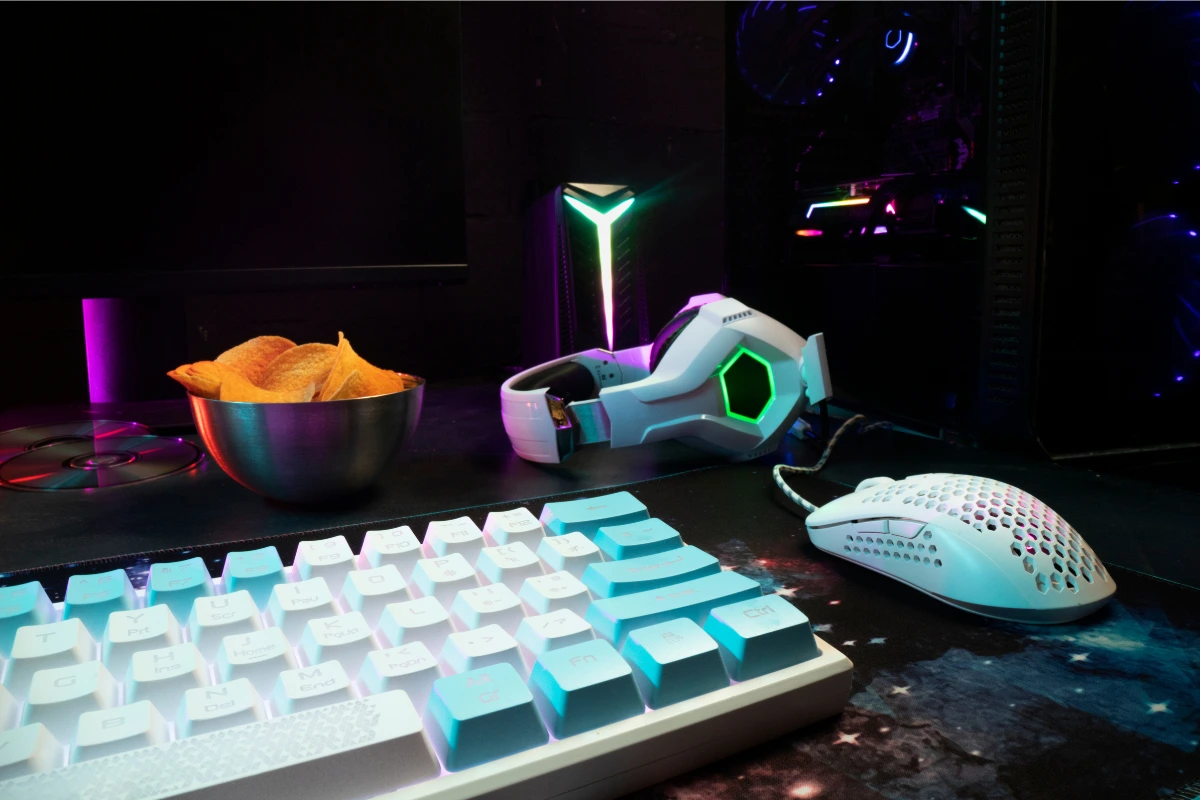
Best gaming accessories to enhance your setup
When it comes to building the ultimate gaming setup, there are a few key accessories that can truly elevate your experience. Whether you’re a casual gamer or a competitive player, the right equipment can make a world of difference. From water cooling systems to gaming chairs and monitor arms, these accessories are essential for anyone looking to optimize their setup. In this guide, I’ll dive into the best gaming accessories you can add to your setup to make it more comfortable, efficient, and enjoyable.
If you’re looking for more in-depth information on the importance of gaming accessories, be sure to check out the main guide on gaming accessories where we break down all the essential gear.
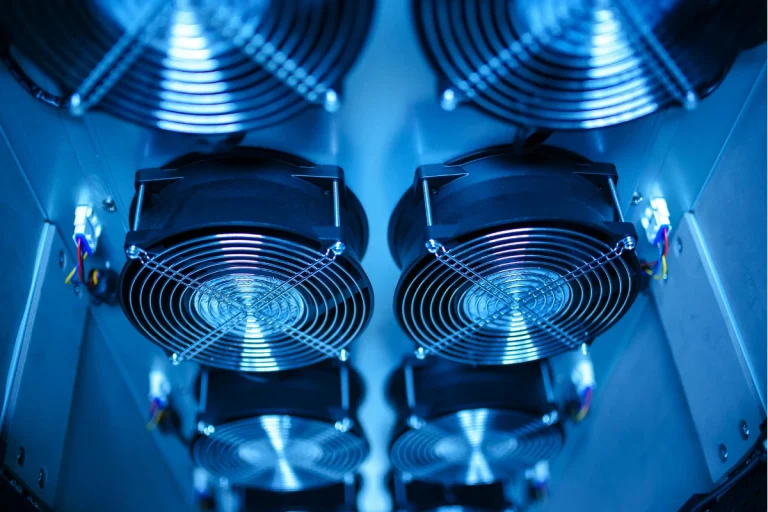
1. Water cooling and fan coolers
When you’re pushing your PC to its limits, one of the most critical factors to consider is temperature. Overheating can lead to throttling, poor performance, or even hardware damage. That’s where water cooling and fan coolers come into play.
Water cooling systems: The pros and cons
Water cooling is often considered the gold standard for high-performance gaming rigs. These systems use liquid to cool your components, offering more efficient heat dissipation compared to traditional air coolers. Here’s why many gamers prefer water cooling systems:
- Efficiency: Water cooling systems are typically quieter and more efficient at cooling than air coolers, especially in high-performance builds.
- Overclocking: If you plan on overclocking your CPU or GPU, water cooling helps keep temperatures in check, allowing for higher performance without thermal throttling.
- Aesthetics: Many water cooling setups come with customizable RGB lights and sleek designs, giving your setup a futuristic, high-tech look.
However, water cooling systems also come with their downsides. They are more complex to install and maintain, and the risk of leaks, although rare, is something to consider.
Fan coolers: simpler but effective
Fan coolers are more traditional and simpler to install. While they may not be as efficient as water cooling systems, they are still an excellent choice for most gamers. Air coolers use a combination of heat pipes and large fans to dissipate heat from the CPU or GPU. They’re quieter than most water coolers and require less maintenance.
Here’s a quick comparison of water cooling systems and fan coolers:
| Feature | Water cooling systems | Fan coolers |
|---|---|---|
| Cooling Efficiency | Very High | Moderate to High |
| Noise Level | Low to Moderate | Low |
| Maintenance | Requires regular checks and refills | Minimal maintenance |
| Cost | Expensive | More affordable |
| Aesthetics | High, customizable RGB | Moderate |
Ultimately, the choice between water cooling and fan coolers depends on your needs and budget. Water cooling is ideal for high-end builds or overclocking, while fan coolers work well for most standard gaming setups.
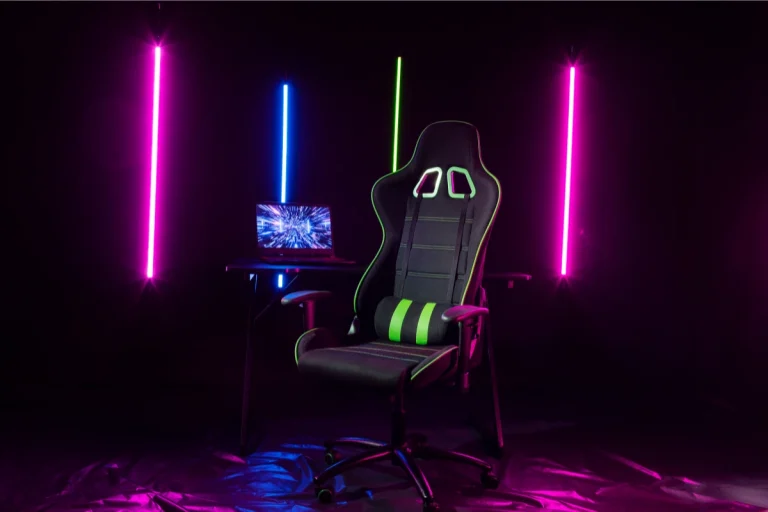
2. Gaming chairs – comfort and performance
One of the most overlooked aspects of gaming setups is the chair. We often focus on the performance of our PCs or consoles, but we can easily forget the importance of comfort during those long gaming sessions. A good gaming chair not only supports your posture but also prevents discomfort or injury.
Why comfort matters
A proper gaming chair provides ergonomic support, which is essential for maintaining good posture. This is especially important for gamers who spend hours sitting in front of their screens. A well-designed chair can reduce back pain, prevent neck strain, and even improve your concentration and focus.
Some key features to look for in a gaming chair include:
- Adjustability: The ability to adjust the height, armrests, and backrest angle allows you to customize the chair to fit your body.
- Lumbar Support: A chair with built-in lumbar support will help maintain the natural curve of your spine, reducing the risk of back pain.
- Seat Padding: High-density foam padding ensures that the seat is comfortable even during extended sessions.
- Durability: Leather or high-quality fabric will last longer and remain comfortable over time.
Popular brands like Secretlab and DXRacer offer top-tier gaming chairs designed with these features in mind. Investing in a high-quality chair can be a game-changer for both your comfort and your performance.
3. Monitor arms – improve your setup’s ergonomics
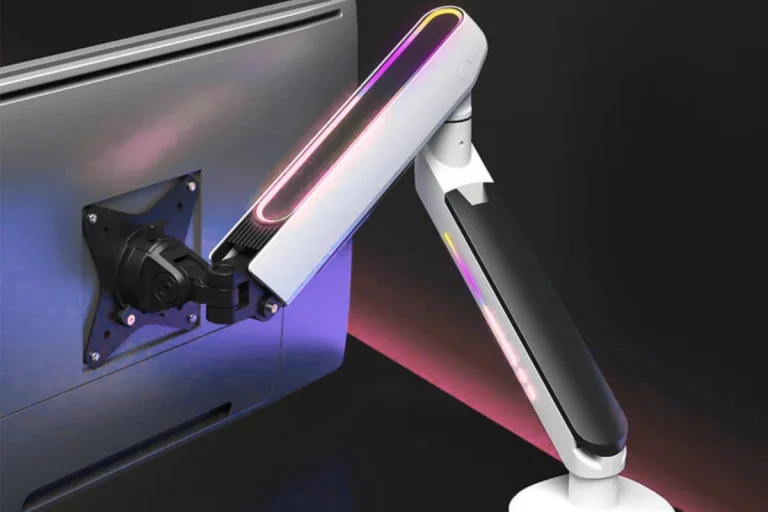
A monitor arm is a simple yet powerful tool that can significantly enhance your gaming experience. If you’re tired of craning your neck or adjusting your chair to get the perfect angle, a monitor arm can solve that problem.
Why use a monitor arm?
Monitor arms are adjustable stands that allow you to position your screen exactly where you need it. Whether you’re gaming, streaming, or multitasking, the flexibility they offer is unmatched. Here’s why you should consider adding one to your setup:
- Ergonomics: A monitor arm allows you to place your screen at eye level, reducing neck and eye strain. This helps prevent the « tech neck » syndrome that many gamers experience.
- Space Efficiency: If you’re tight on desk space, a monitor arm frees up room by allowing your monitor to float above the desk.
- Flexibility: You can easily adjust the height, tilt, and rotation of your screen, making it perfect for different gaming setups or tasks.
Monitor arms come in various sizes and designs, so it’s important to choose one that fits your monitor’s size and weight. Some models even support dual monitor setups, making them ideal for multi-tasking.
4. Essential cables for your gaming setup
Behind the scenes of every gaming setup are the cables that power your equipment. While cables may not be the most exciting accessory, they are essential for ensuring everything runs smoothly. Here are the essential cables every gamer should have:
HDMI cables
HDMI cables are crucial for connecting your gaming console or PC to your monitor or TV. High-speed HDMI cables are necessary for 4K gaming and can handle high refresh rates, ensuring you get the best performance from your setup.
USB cables
USB cables are essential for connecting peripherals like your keyboard, mouse, and gaming controllers. With USB 3.0 or 3.1 cables, you’ll get faster data transfer speeds, which can be crucial for high-performance peripherals.
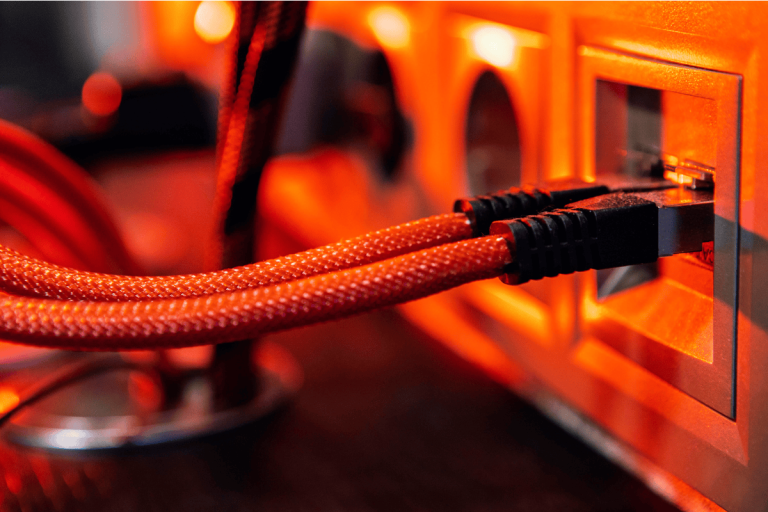
Ethernet cables
For gamers who prefer wired internet connections, an Ethernet cable is a must. It provides a faster, more stable connection compared to Wi-Fi, which is essential for online gaming.
Here’s a quick comparison of essential gaming cables:
| Cable type | Use case | Recommended type |
|---|---|---|
| HDMI | Connecting PC/Console to monitor | High-speed HDMI 2.0 |
| USB | Connecting peripherals | USB 3.0/3.1 |
| Ethernet | Internet connection | Cat 6 or Cat 7 Ethernet cable |
Investing in high-quality cables will help you avoid connection issues, lag, or low-quality visuals during your gaming sessions.
When it comes to building the ultimate gaming setup, accessories like cooling systems, gaming chairs, monitor arms, and cables are key to enhancing your overall experience. While these accessories may not always be the first things you think of, they can make a huge difference in your comfort, performance, and overall enjoyment.
For a deeper dive into the various accessories you can add to your setup, don’t forget to check out the guide on the best gaming accessories, which covers all the essentials in more detail.