
How Gaming Peripherals Affect Gameplay Performance
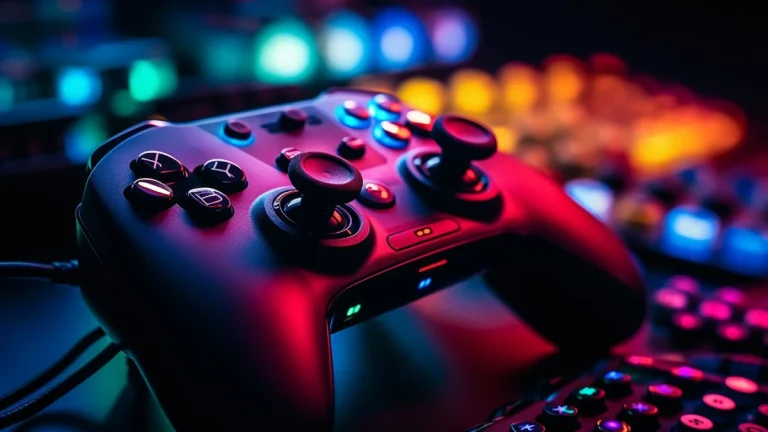
From fast reaction times to enhanced comfort, gaming peripherals can improve gameplay significantly. This article delves into how choosing the right peripherals can impact your performance on the battlefield.
The impact of gaming peripherals on your gameplay
When we think about gaming, we often focus on the game itself — the graphics, the storyline, the action. But behind every successful gamer, there’s a crucial piece of equipment: the gaming peripherals. From the keyboard you use to the headset on your ears, gaming peripherals directly affect your gameplay experience. As a gamer who’s spent years optimizing my setup, I can tell you that choosing the right peripherals can be the difference between winning and losing. In this guide, we’ll explore how gaming peripherals, from mice to monitors, influence your performance. If you’re looking to dive deeper into how each of these tools works, be sure to check out our article on gaming peripherals for more insights.
Why gaming peripherals matter
In competitive gaming, every millisecond counts. Precision, comfort, and performance all come together through your peripherals, making them more than just accessories. Whether it’s achieving the perfect shot in an FPS or reacting to an enemy’s movement in a MOBA, your gaming gear needs to support your actions.
The right setup doesn’t just make you feel more comfortable; it gives you a competitive edge. A high-performance mouse, a mechanical keyboard, a responsive headset, and a high refresh rate monitor can help you reach new levels of precision and speed.
The key gaming peripherals that impact performance
Let’s break down how each key piece of gaming equipment impacts your gameplay:
1. Gaming mice
A gaming mouse is one of the most important peripherals. Whether you’re playing a first-person shooter (FPS), a multiplayer online battle arena (MOBA), or an RPG, your mouse is responsible for most of your in-game movements.
- Precision and accuracy: High-DPI sensors in gaming mice allow you to move with precision. For FPS games, a mouse with a DPI range between 400 and 2000 can ensure quick, accurate targeting.
- Customizability: Many gaming mice come with extra buttons and programmable features. This allows you to assign macros or shortcuts to perform complex actions in a game, like reloading or switching weapons.
- Ergonomics: Comfort is crucial for long gaming sessions. An ergonomic design will prevent hand strain and provide a better grip, ensuring a more enjoyable experience.
2. Gaming keyboards
The gaming keyboard is your primary interface for controlling most in-game actions. For serious gamers, mechanical keyboards are preferred for their tactile feedback and faster response times.
- Key switches: Mechanical switches offer distinct tactile feedback, which improves your reaction time and enhances gameplay, especially in fast-paced action games.
- Response time: A keyboard’s response time can make a difference in competitive games. High-quality gaming keyboards offer low input lag, allowing your commands to register instantly.
- Programmable keys: Many gaming keyboards have programmable macro keys that allow players to assign complex actions to a single button, which is especially useful for MMOs and MOBAs.
3. Gaming headsets
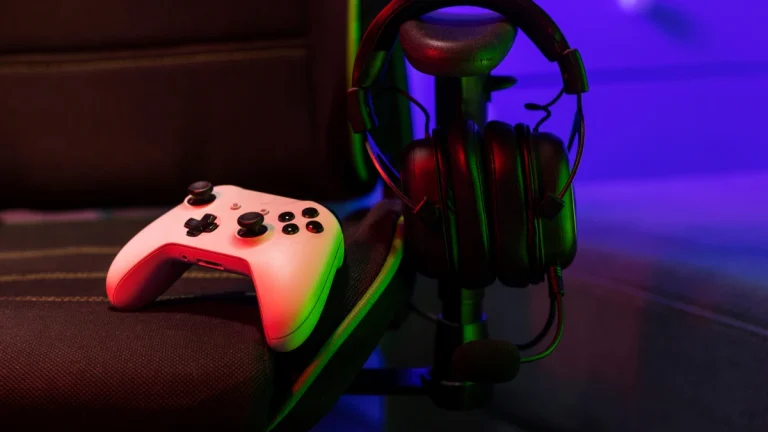
Your headset is more than just a tool for hearing game sounds. It also plays a vital role in communication and immersion.
- Immersive sound: High-quality gaming headsets provide clear, detailed sound, helping you hear footsteps, gunfire, and environmental sounds that could be the difference between life and death in a game.
- Directional audio: Some headsets support surround sound, making it easier to hear enemies sneaking up behind you or pinpointing a sniper’s location in an FPS.
- Microphone quality: In multiplayer games, communication is key. A noise-canceling microphone ensures your voice is clear and free from distractions, giving you an edge in coordinating with teammates.
4. Gaming monitors
A high-quality monitor is essential for both visual clarity and smooth gameplay. The right gaming monitor ensures you see every detail and react instantly.
- Refresh rate: A monitor with a high refresh rate (e.g., 144Hz or 240Hz) allows for smoother visuals, reducing screen tearing and providing a competitive advantage in fast-paced games.
- Response time: The response time of a monitor, measured in milliseconds, impacts how quickly pixels change from one color to another. A low response time (1ms to 5ms) is crucial for competitive gaming, especially in FPS games.
- Resolution: High-definition resolution, such as 1080p or 4K, ensures that you can see every detail in the game. Higher resolutions provide a more immersive experience, although a balance with frame rates should be maintained for optimal performance.
5. Ergonomic Chairs and Desk Setup
While not traditionally considered « gaming peripherals, » your chair and desk setup can significantly affect your gameplay. Sitting for hours in a poor posture can lead to fatigue and discomfort.
- Ergonomics: An ergonomic chair provides lumbar support, helping you maintain a healthy posture during long gaming sessions.
- Desk space: A spacious desk with proper cable management helps keep your gaming area organized and free from distractions, allowing you to focus on the game.
How the right peripherals improve gameplay
1. Faster response times
Every millisecond counts in competitive gaming. High-end gaming peripherals are built for speed, allowing you to respond quickly and efficiently. For example, a high-DPI mouse with fast polling rates and a low-latency keyboard ensures that every command you make is executed instantly, while a high-refresh-rate monitor delivers smoother gameplay.
2. Increased precision
Precision is crucial, whether you’re sniping enemies in a shooter or casting spells in a MOBA. Gaming mice with adjustable DPI and mechanical keyboards with fast switches allow for highly accurate movements and actions, leading to better in-game performance.
3. Improved comfort
Comfort is essential for gamers who play for long hours. Ergonomic gaming mice, keyboards, and chairs reduce strain and allow you to play for extended periods without discomfort. A comfortable setup helps you stay focused and prevents fatigue, which is essential for peak performance.
4. Enhanced communication
In multiplayer games, communication is critical. A good headset with a clear microphone ensures you can strategize with teammates, coordinate attacks, and share vital information during intense matches.
5. Immersive experience
Gaming peripherals also enhance your overall gaming experience. Surround sound headsets, high-resolution monitors, and mechanical keyboards create a more immersive environment, allowing you to feel fully engaged in the game world.
Table: impact of key gaming peripherals on gameplay
| Peripheral type | Impact on gameplay | Key features |
| Gaming mouse | Precision, control | High DPI, customizable buttons |
| Gaming keyboard | Speed, responsiveness | Mechanical switches, programmable keys |
| Gaming headset | Immersion, communication | Surround sound, noise-canceling mic |
| Gaming monitor | Visual clarity, frame rate | High refresh rate, low response time |
| Ergonomic chair | Comfort, posture | Lumbar support, adjustable height |
Upgrade your setup for better performance
Gaming peripherals are more than just accessories; they are essential tools that can enhance your gameplay, provide better comfort, and give you a competitive edge. Whether you’re upgrading your mouse, keyboard, headset, or monitor, each piece of equipment contributes to a better overall gaming experience.